
PLATFORM
What's new on Axaupdrop this month
New brands, new analytics views, and a faster link builder.
Organise collections early so your audience can find things fast.
3 October 2026
During regular months, your audience browses. During Diwali, Dussehra, and the run-up to Christmas, they're in buying mode — they have a list, a budget, and a deadline. If your shop page isn't organised for that intent, you're leaving money on the table.
Start two to three weeks before the main dates. Here's how.
Instead of one long product list, create separate collections:
Price-based collections are the highest performers during gifting season because buyers already know their budget. Make it easy to shop within it.
Nothing kills trust like a recommended product that's out of stock. Before the season starts:
Update your product descriptions to address the gifting context:
During festive season, change your Instagram bio link to your Axaupdrop shop. Add it to:
One festive post a day is better than seven in one day and then silence. Plan:
Most festive purchases happen in the 7–10 days before the main date. If you only post on the day itself, you've missed the window. Start earlier than feels necessary.
The creators who do well during festive season aren't posting more — they're posting earlier and more specifically.
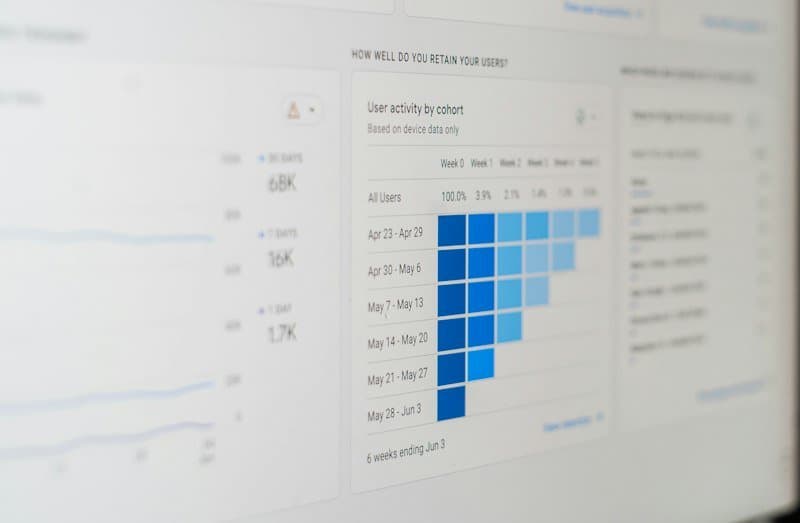
New brands, new analytics views, and a faster link builder.

Five signals that get you shortlisted for paid collaborations.

A nano creator on why audience size mattered less than trust.